


Already 3,500+ users trust Adaption
Manage multiple warehouses with one WMS
Manage inventory and logistics processes across multiple warehouses from one central Warehouse Management System. With Adaption WMS, you can see in real time where goods are stored and which activities are taking place at each location. Each warehouse can have its own layout, storage structure, and operating procedures.
Real-time inventory registration per warehouse
A separate configuration for each location
Controlled inventory transfers between warehouses
Discover in 15 to 30 minutes how to manage multiple warehouses without losing visibility of inventory, orders, and locations.
"*" indicates required fields
TRUSTED BY LOGISTICS LEADERS SUCH AS

What is a multi-warehouse WMS?
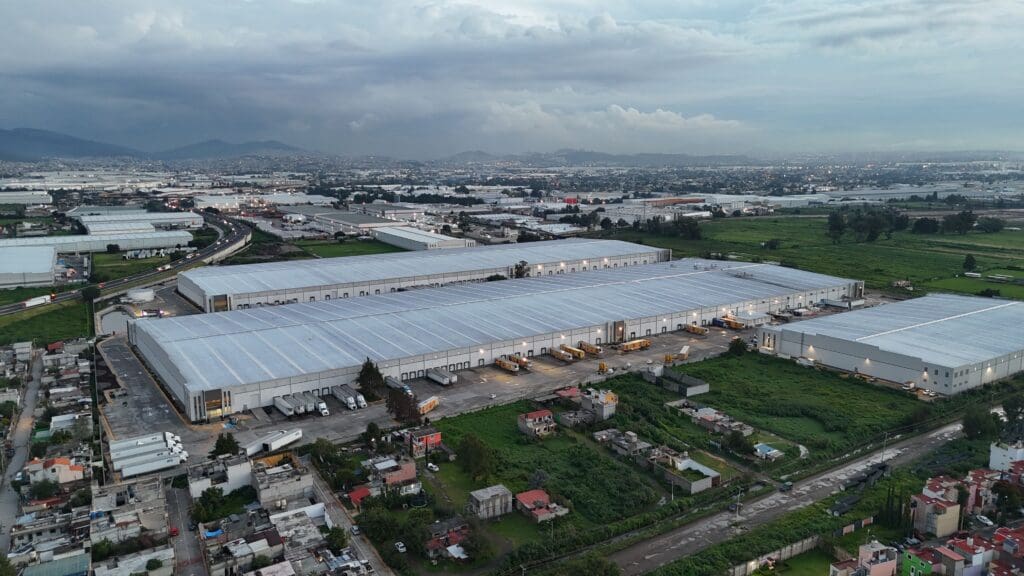
A multi-warehouse WMS is a Warehouse Management System that allows you to manage multiple warehouses, distribution centres, or storage locations within a single environment. For each warehouse, the system records what inventory is available, where goods are stored, and which inbound, storage, and outbound activities are being performed. This gives you one central administration while allowing each location to be configured and managed separately.
Recognisable challenge
Fragmented inventory management across multiple locations
When an organisation operates from multiple warehouses, complexity increases quickly. Each location has its own inventory, warehouse layout, capacity, and operational planning. When warehouses also use separate systems, spreadsheets, or individual administrations, there is no reliable overall view.
It then becomes difficult to determine immediately where inventory is available, which goods have been reserved, and which products are in transit between warehouses. Transactions may also be processed twice or too late. This leads to additional searching, unnecessary inventory transfers, and errors in inventory administration.
Adaption’s logistics solution
All warehouses within one WMS platform
Adaption brings multiple warehouses together within a single WMS environment. For each warehouse, you define the physical layout, storage locations, processes, and users. Inventory and orders remain clearly linked to the correct warehouse. This allows users to work specifically within their own location, while planners and logistics managers retain visibility of the entire operation.
Transfers between warehouses are also recorded as controlled goods flows. This keeps it clear when goods leave a location, are in transit, and are received at the new location.
The five benefits of managing multiple warehouses with Adaption
1. Up-to-date insight per warehouse
See which inventory is available, reserved, blocked, or in transit at each location. There is no need to manually combine inventory data from different administrations.
2. A dedicated configuration for each warehouse
Each warehouse can have its own warehouse structure, location coding, and operating procedures. This allows you to manage different types of locations within the same software environment.
3. Controlled inventory transfers
When inventory is transferred, the WMS records which goods leave one warehouse and which goods are received at the new location. Inventory that is in transit also remains visible.
4. Processes tailored to each location
Inbound, storage, quality control, order picking, and outbound processes can be configured differently for each warehouse. This ensures that the system reflects the actual activities performed at each location.
5. Easy expansion
New warehouses, temporary storage locations, or external warehouses can be added to the existing environment. This allows the WMS configuration to grow with your organisation.


“Adaption stood out because of their approach: personal contact, fast response and the ability to translate our use cases directly into working solutions.”
Jeroen de Vries, ICT Manager at Dekker Transport & Tank Storage
How does Adaption manage multiple warehouses?

1. Configure each warehouse individually
Within Adaption, each warehouse is registered as its own logistics environment. For each location, you can define storage zones, docks, racks, tanks, silos, and outdoor storage areas. Users, customers, and operational responsibilities can also be linked to a specific location.
2. Link inventory to a location
Each inventory transaction is linked to a warehouse and a specific storage location. This makes it clear where goods are physically located and what inventory status they have. Inventory can be viewed by product, customer, batch, lot, or handling unit, among other criteria.
3. Manage inbound and outbound per warehouse
Orders are linked to the location where goods are received, stored, or shipped. Employees therefore see the tasks that are relevant to their warehouse. Planners can centrally monitor the progress of different goods flows and locations.
4. Transfer inventory between warehouses
When goods are moved to another location, an inventory transfer is created within the WMS. This records which products, batches, or handling units are being shipped and to which warehouse they are going. After departure, the inventory receives an in-transit status. Only after confirmation by the receiving warehouse does the inventory become available at the new location.
5. Receive goods at the new location
The receiving warehouse registers the goods upon arrival. Employees can scan products or handling units, check them, and assign them to a new storage location.
6. Monitor performance per warehouse
From the central environment, inventory levels, order statuses, and goods movements can be monitored for each warehouse. This helps you compare locations and identify differences in workload, capacity, and lead times.
Flexible warehouse configuration for each location
Not every warehouse serves the same purpose. An organisation may, for example, operate a central distribution centre, a regional storage facility, and a separate bulk warehouse. Adaption makes it possible to configure each location based on its physical and operational situation.
Storage zones and location hierarchy
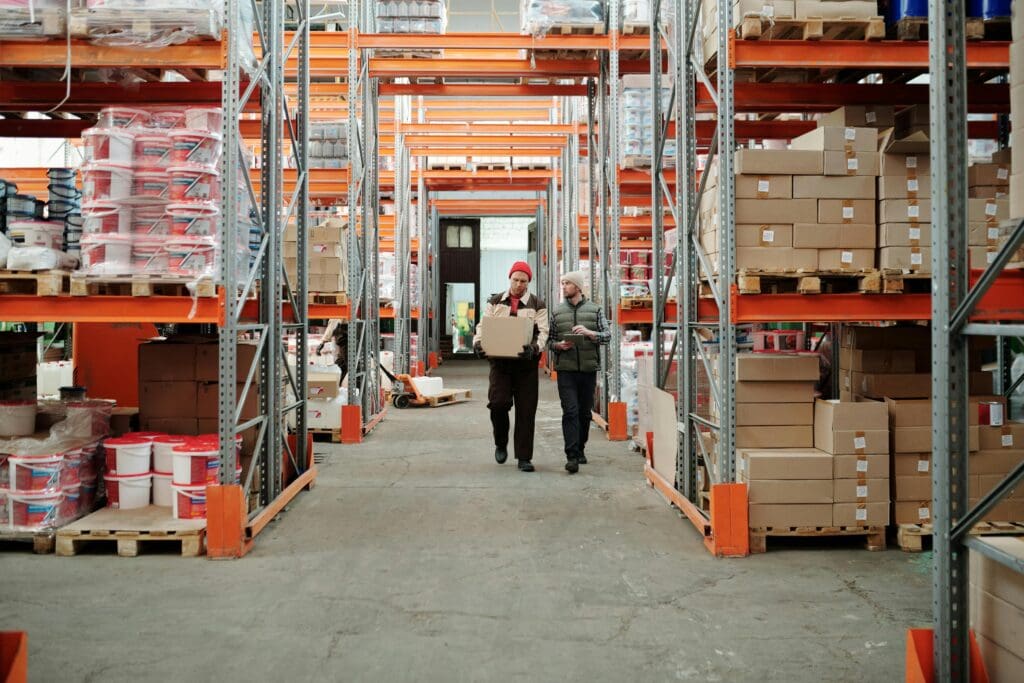
For each warehouse, you can define buildings, zones, aisles, racks, and storage locations. This ensures that the digital configuration closely reflects the actual warehouse structure and keeps storage organised.

Different types of storage
Different storage methods can be combined within a single warehouse, including pallet storage, general cargo, bulk storage, tanks and silos, refrigerated storage, and outdoor storage areas.
Storage conditions per location
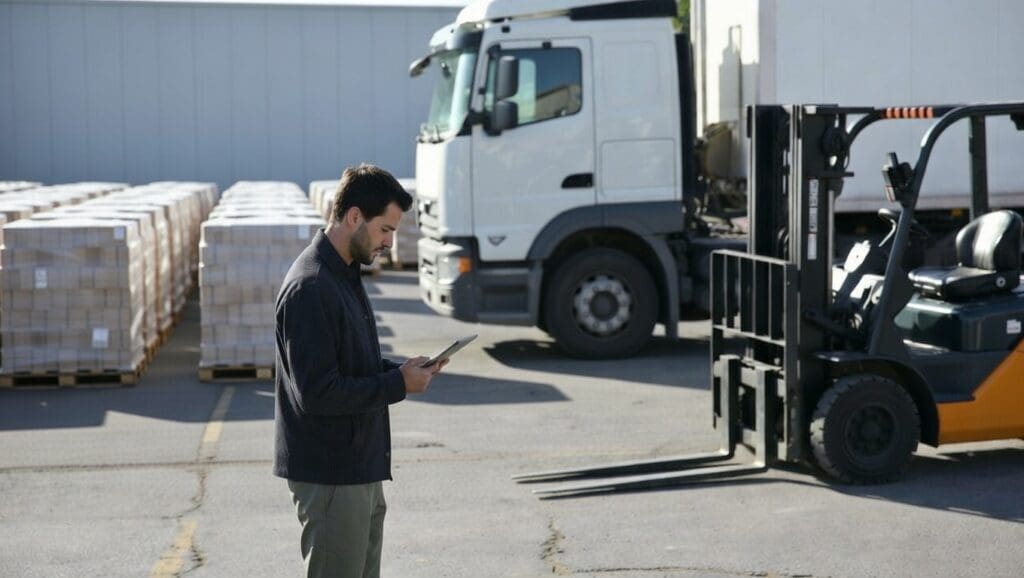
For each warehouse or storage zone, you can determine which goods may be stored there. This enables the WMS to support correct location selection when goods are put away or transferred.
Seamlessly integrates with your current IT landscape
Adaption integrates seamlessly with your existing IT landscape and connects with the systems you already use. From ERP systems and webshops to carriers and accounting packages, all data flows come together in one logical whole. Thanks to open APIs, virtually any integration is possible. If your system is not listed, we will make it fit.




Combine multiple customers and warehouses
For logistics service providers, it is important to register inventory not only by warehouse, but also by customer.
One customer may hold inventory at multiple locations. Within Adaption, every product, batch, or handling unit remains linked to the correct customer and warehouse.
Processes, work instructions, and rates can also be configured by customer and location. This allows different warehouses to serve the same customer without requiring every location to use exactly the same operating procedures.
This makes Adaption suitable for 3PL organisations and other logistics service providers with multiple customers and storage locations.

Practical example: transferring inventory between two warehouses
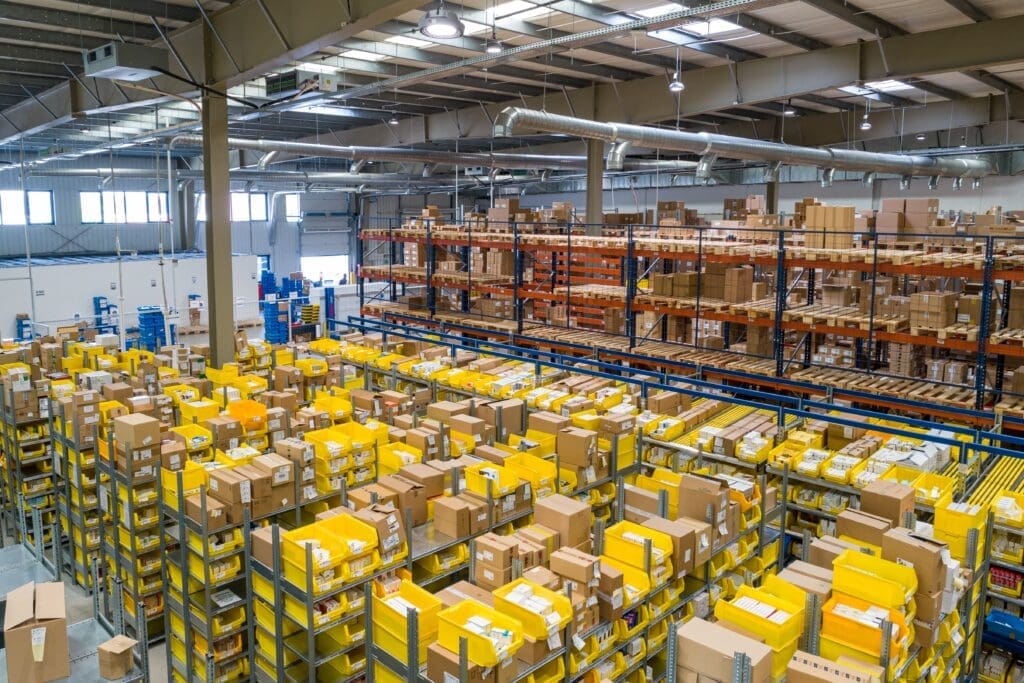
A logistics service provider manages a central warehouse and a second location for bulk storage. When inventory is needed at the central location, the planner creates an inventory transfer.
The goods are collected at the bulk location and registered as in transit after departure. Upon arrival, the central warehouse scans the goods and assigns them to the correct storage locations.
The inventory is then immediately available for further processing or outbound activities. Both warehouses operate within the same WMS environment, while inventory and activities remain separated by location.
Frequently asked questions about multiple warehouses
Yes. Multiple warehouses, distribution centres, and storage locations can be configured within a single WMS environment.
Adaption WMS is suitable for organisations that manage inventory and warehouse processes across multiple locations, such as:
- Logistics service providers and 3PL organisations
- Manufacturers with multiple sites
- Distribution centres and wholesalers
- Bulk operators and tank storage companies
- Organisations with regional warehouses
- Companies with both their own and external storage locations
The software is particularly relevant when warehouses are configured differently but still need to be managed from one central environment.
Yes. Separate storage locations, processes, users, and operational rules can be defined for each warehouse.
Yes. Inventory can be viewed by warehouse, customer, product, batch, lot, or storage location.
The WMS records departure from the shipping warehouse, the inventory while it is in transit, and receipt at the new location.
Yes. During the transfer, you can continue to see which goods are in transit and which locations are shipping and receiving them.
Yes. A single customer’s inventory can be distributed across different warehouses while remaining visible separately for each location.
Yes. Inbound, storage, quality control, order picking, and outbound processes can be configured differently for each warehouse.
Yes. New warehouses and storage locations can be added to the existing WMS environment.
A warehouse is a separate warehouse facility or site. Within a warehouse there are multiple storage locations, such as racks, tanks, bins, or bulk storage positions.
See how Adaption makes your warehouses manageable
Plan a free demo and discover how Adaption WMS brings multiple warehouses, inventory locations, and goods movements together in one central environment.
During the demo, you will gain insight into:
How the WMS works in practice
Support for your logistics processes
Integration and expansion possibilities
Plan a free demo with Toon Schilder
Discover in 15 to 30 minutes how Adaption’s WMS supports your warehouse processes.
"*" indicates required fields