

New release Adaption Logistics Cloud Suite 2026.2
New logistics features for bulk processing, transport planning and integrations
With the release of Adaption Logistics Cloud Suite 2026.2, several processes within our logistics software have been further expanded and optimized. This update focuses on more control, better traceability and easier data exchange within daily logistics operations.
Release Logistics Cloud Suite 2026.2
This release includes improvements for decanting, mixing, serial number scanning, barge inbound and outbound, the Trip Planboard and integrations. With these improvements, Adaption helps logistics organizations record goods flows more accurately, retrieve information faster and support processes more efficiently in a digital way. The 2026.2 release makes the Adaption Logistics Cloud Suite even more complete for warehouses, transport planners, terminals and logistics service providers. Below you can read which changes and new functionalities have been added to Adaption’s logistics software.
1. New decanting workflow for controlled bulk processing
Digitally record the complete decanting process with Adaption
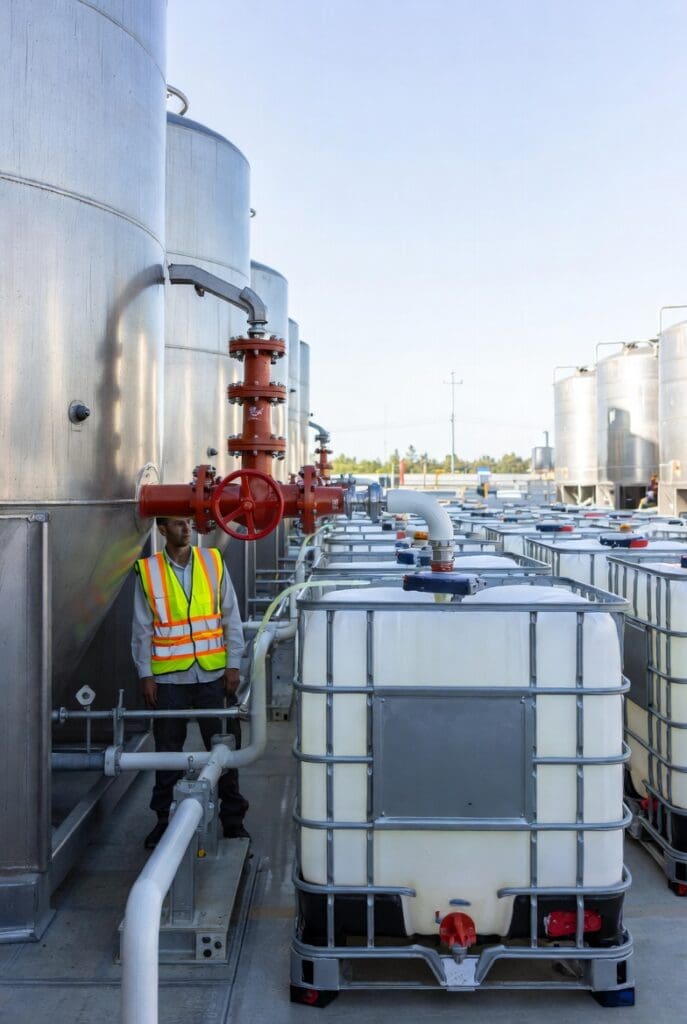
With the new release of Adaption Logistics Cloud Suite 2026.2, the decanting flow has been further expanded and fully configured within the system. This enables Adaption to support the complete process of transferring, decanting and processing bulk products, liquids and other goods flows between IBCs, tanks and tank containers.
For logistics organizations that work with bulk storage, liquids, tank transport or Value Added Services, this is an important extension. Decanting is a process where accuracy, traceability and control are essential. With the new flow, every step is digitally recorded, from creating the dossier and picking goods to registering weights, license plates, seal numbers and final completion.
How does decanting work in Adaption’s logistics software?
Within Adaption’s logistics system, decanting follows clear digital steps. The complete process is also recorded within one dossier.
Four master scenarios for decanting
Within the Adaption Cloud Suite, four different master scenarios have been made available within the dossier. This allows the user to select the right decanting flow for each process:
- IBC to tank
- IBC to bulk container, tank container or trailer for outbound
- IBC and tank to tank container for outbound
- Tank to tank
These scenarios make it possible to record different operational processes in a standardized way. For example, moving product from an IBC to a storage tank. Scenarios without outbound processing can also be supported, for example for mixing or internal bulk processing.

Pick first, then decant
After creating a dossier, the user can immediately start picking. This allows goods to be prepared before the actual decanting process begins. In the scan module, the employee scans the handling unit, after which the system automatically takes over the previously entered quantity.
Product control during outbound decanting
For outbound decanting, a target location can also be recorded, for example when goods are processed into a tank container. To prevent unwanted mixing, the system automatically checks the product selection. If a product is selected from a tank, only the same products from an IBC can be selected afterwards. The same applies the other way around. This prevents Adaption users from accidentally combining different products within an outbound decanting process.
When mixing or blending is done intentionally, it is now also possible to register this mixing process. This is done through a suitable Order Type, where the user specifies which products are combined and which new product is created from them. Further on in this blog, you can read more about this new mixing functionality.
Register weight, license plate and seal numbers
During decanting, users can register the starting weight, final weight, license plate and one or more seal numbers. It can also be indicated when buckets or other units have been fully emptied. The seal numbers are then included on the CMR, ensuring that the physical execution and administrative processing align properly.
Immediate insight into completed decanting
After completion, it is immediately visible which goods have been processed and that the decanting step has been completed. This provides more overview, better traceability and a lower risk of errors within bulk processing, tank storage and tank container processes.
2. Digitally record mixing and blending in bulk storage
In addition to the new decanting workflow, mixing and blending have also been added to the bulk processing capabilities within Logistics Cloud Suite 2026.2. This allows users to intentionally mix or blend products when this is part of the logistics process.
From separate products to a new end product
Mixing and blending are used when multiple products together form a new product. An example is mixing fertilizer with zinc sulphate, creating zinc-enriched fertilizer.
During this process, the system records which products have been used and which new product has been created. This ensures that even in mixing processes, it remains clear which goods have been processed and how the end product was created.
Support for different bulk processes
The mixing functionality is available for processes in which goods are processed into a tank or bulk storage. Examples include:
- Tank to tank
- IBC to tank
- Big bag to bulk storage
- Bulk storage to bulk storage
- Box to bulk storage
This allows different forms of bulk processing to be registered in a standardized way within Adaption Logistics Cloud Suite.

More control over mixing processes
With this extension, logistics organizations gain more control over processes in which products are combined. The products used, the storage location and the new end product are recorded digitally, further improving traceability and control within bulk storage.
3. Scanning serial numbers during outbound picking
With the 2026.2 release, serial numbers can be added during the outbound picking process. This functionality can be configured per Product Type, allowing you to decide for which products serial number scanning is mandatory. This makes products traceable at serial number level, which is important for customer questions and quality checks.
Recording serial numbers in the scan module
The process connects to the existing workflow in the scan module. The employee first scans the location and then the handling unit. After that, the associated serial number is scanned per product.
For example, when two products are picked, the system also expects two serial numbers. If a serial number is missing, the system displays a notification and the user cannot continue. Only once all serial numbers have been correctly recorded can the handling unit be placed at the pick location.

Control and correction during the process
By making serial number scanning mandatory, products are prevented from being processed without complete registration. If a mistake is made, it can still be corrected before the process is completed. This keeps the registration reliable and verifiable.
Find serial numbers in one overview
All scanned serial numbers can be found through the new serial number overview in Adaption logistics software. From there, the user can quickly look up information such as the linked handling unit, location and further logistics details.
This extension provides better traceability within outbound processes and helps logistics organizations respond faster when product information is needed.
4. Register barge inbound and outbound through the scan module
With Adaption Logistics Cloud Suite 2026.2, it is possible to record barge inbound and outbound processes through the scan module. This is relevant for goods that arrive or depart by vessel, such as sand, bulk goods or other cargo moved from a barge to a tank or location.
Barge processing from vessel to location or tank
When a barge arrives, goods can be registered directly during unloading. This includes moving cargo from the vessel to a storage location or tank. Because in practice a barge is often not weighed, the system supports a process in which the inbound flow can still be recorded digitally.
Employees can register the barge movement in the scan module. This makes it clear which goods have been unloaded, to which location they have been moved and how the inbound or outbound process was carried out.
This extension provides more control over barge processes and makes it easier to correctly record goods flows via water transport within Adaption Logistics Cloud Suite.
5. Trip Planboard expanded with region filters
In the 2026.2 release, the Trip Planboard has been expanded with region filters. This allows planners to filter transports and trips not only by specific locations, but also by broader regions such as the Benelux.
More flexible planning by region
Previously, planners could already filter by location, among other things. In practice, this can sometimes be too specific, especially when a planner wants to maintain an overview across multiple loading and unloading locations within one area. With the new region filter, it becomes easier to view trips, opportunities and available options by geographical area.
Through the Modify Layout option, the user can add region filters to the desired view. The Trip Planboard then only shows the trips that fall within the selected regions.

Configure your own regions
Regions can be flexibly configured within the system. Organizations can therefore decide which countries, areas or logistics zones fall under a region. This makes the Trip Planboard easier to align with their own transport planning, customer structure and operational workflow. With this extension, planners gain more control over their overview and can more quickly identify where capacity, trips or combination opportunities are available.
6. Improved data exchange and reporting
In addition to the extensions in operational processes, the 2026.2 release also includes improvements in data, reporting and integrations with external systems. This makes it easier to make logistics information available for dashboards, ERP systems, charters and other external parties.
Adaption BI Connect expanded with Handling Unit Details
The BI Connect integration has been expanded with additional fields for Handling Unit Details. The BI integration now also includes net weight, gross weight and carrier weight.
This allows organizations to analyze logistics data even more specifically in tools such as Power BI. Examples include reporting on handling units, weights, inventory movements and operational performance. This extension provides more insight into the goods flow and helps users build better analyses and management reports. Read more about Adaption BI Connect here.
Improved integrations with external systems
Sending standard Adaption messages to external systems has been further simplified. This includes messages such as Sub Order, Trip and Order.
As a result, logistics data can be forwarded to external applications, such as an ERP system, more quickly and consistently. This reduces manual actions and ensures that information between systems aligns better.
Easier sharing of trip information with external parties
Sharing information from the Trip Planboard has also been improved. By sending a transport booking, trip information can now be sent as an XML message to an external party, for example to a charter.
This makes it easier to share trip information digitally and coordinate transport agreements more efficiently with partners outside the organization.
Always ahead with the Adaption Cloud Suite
With this new release of the Logistics Cloud Suite, important logistics processes are further expanded and digitally supported. This release includes extensions for decanting, mixing, serial number registration, barge processing, region filters in the Trip Planboard and integrations with external systems. With these improvements, Adaption helps organizations work more accurately, more efficiently and with better traceability.
The new functionalities give users more control over their daily operations. Processes are recorded more clearly, information can be found faster and data can be shared more easily with other systems and external parties.
Curious what these new possibilities could mean for your organization?
Feel free to contact us. We will gladly show you how the Adaption Logistics Cloud Suite can support your logistics processes.