

Release 2026.1
Release Adaption Cloud Suite 2026.1: New improvements for planning and logistics control
The Adaption Logistics Cloud Suite continues to evolve continuously. Just like logistics processes, our software never stands still. Every day orders are processed, transports are planned, and goods are moved. To support organizations as effectively as possible in this, we continue to further improve and expand the platform.
Release Logistics Cloud Suite 2026.1
At Adaption we release a new version three times a year. This allows us to regularly make improvements, new functionalities, and optimizations available to our customers. This ensures that organizations quickly benefit from new capabilities and that the software continues to align with the changing needs within logistics.
In version 2026.1 several improvements and new functionalities have again been added. This update focuses on automation, better control over planning, and more insight into logistics data. In this blog we take you through the most important improvements and show how they contribute to greater overview, efficiency, and control within logistics organizations.
1. More control and automation in EDI processing
1.1 Expansion of the incident module, automatic registration for EDI changes
Changes in planning data via EDI are now automatically registered in the incident module. When a client or external party makes an adjustment, an incident is created immediately.
What is the incident module?
The incident module is intended to centrally record and follow up deviations, changes, and special events within the logistics process. It offers one clear place where notifications and adjustments are registered and assessed.
Every relevant change in the planning is now immediately recorded and displayed in a separate tab within the application. This creates full transparency around planning adjustments. Users can see at a glance what has been changed, when this happened, and through which source the change was received.
In addition, it can be configured within the incident module whether an incident is automatically approved or must first be manually reviewed. Organizations can therefore determine the level of control over incoming EDI changes themselves.


Result of the expansion
This expansion ensures better traceability, more overview, and less chance of unexpected planning differences. With this, Adaption once again strengthens control over logistics processes and the reliability of planning.

1.2 Integration of the Load Unit Wizard in EDI Order processing
The Load Unit Wizard is now also integrated into EDI Order processing. This means that while processing an EDI order, the system automatically checks whether the number of ordered pallets fits within one Load Unit.
When the number of pallets exceeds the configured capacity, multiple Load Units are automatically created. As a result, a user no longer needs to manually split or add extra load units. The system immediately ensures a correct distribution based on the configured capacity rules.
This integration makes the order process more efficient and reduces the chance of errors in load distribution. Especially for logistics service providers, warehouses, and transport organizations that process large numbers of EDI orders daily, this results in time savings and greater reliability.
2. Smarter and more flexible Trip functionality
Within the 2026.1 release several improvements have been implemented around Trips. These expansions provide further automation, more control, and additional flexibility within the transport planning process.
2.1 Automatically creating and unplanning Trips
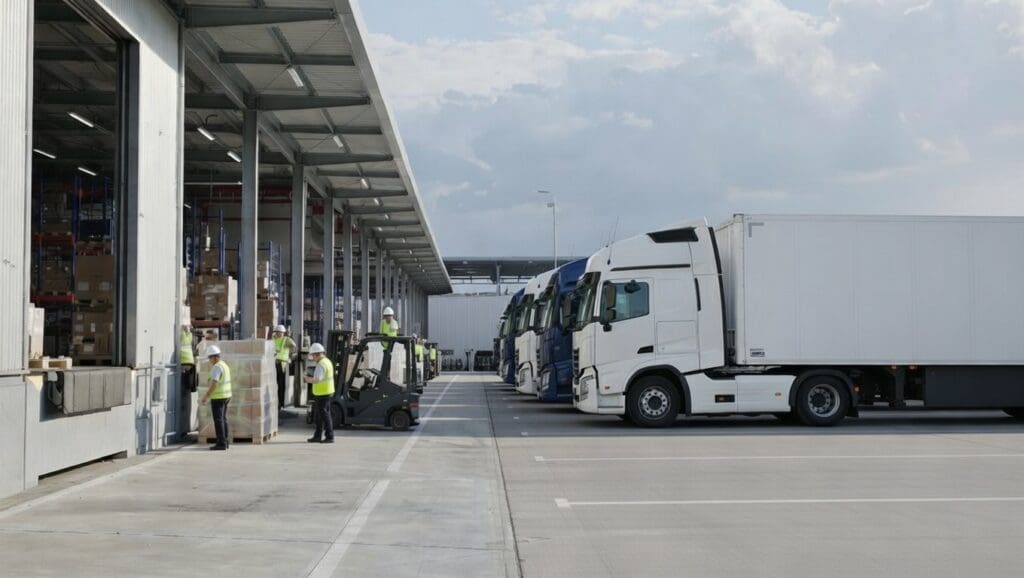
It is now possible to automatically create or unplan Trips based on the number of goods. As soon as a trailer or truck is full, the system automatically creates a new Trip. This further automates the transport process and reduces the number of manual actions for planners.
How does it work?
Users enter the number of goods, after which the system automatically calculates how many trucks or trailers are required. This calculation is based on the configured capacity per truck or trailer. When the number of goods increases or decreases, the system automatically determines whether additional Trips must be created or whether existing Trips can be unplanned. In this way, planning is continuously aligned with the current quantity of goods.
2.2 Automatically creating a new Trip when the Transport Order is 100 percent planned
When 100 percent of the available capacity has been used, the system immediately generates a new Trip. As a result, a planner no longer needs to manually check whether a Transport Order is “full” and then create a new Trip themselves. The process runs automatically and directly follows the configured capacity rules. This prevents delays in planning and reduces the chance of errors or forgotten follow-up actions.
2.3 Audit function for Trips
An audit function has been added for Trips. This allows all changes and actions on Trips to be accurately recorded and consulted. Examples include planning adjustments, capacity changes, assignment of carriers, or status changes. For each Trip it is visible who made what change and at what moment it happened.

This functionality significantly increases transparency within the planning process. It makes it easier to analyze deviations, answer customer questions, or internally determine why certain choices were made. The audit function also provides valuable support during audits or quality procedures.
Automatically creating a new Trip when the Transport Order is 100 percent planned
When the number of pallets exceeds the configured capacity, multiple Load Units are automatically created. As a result, a user does not need to manually split or add extra load units. The system immediately ensures a correct distribution based on the configured capacity rules.
2.4 Multiple Trip Planboard layouts
It is now possible to configure multiple Trip Planboard layouts. Planners can easily switch between different layouts depending on their preference or specific planning task. This provides more overview and flexibility so that the display optimally matches daily practice. With these improvements working with Trips becomes not only more efficient, but also more transparent and better aligned with the needs of the planner.
2.5 Extended data exchange of Trips to external systems
Finally, it is now possible to send a complete Trip, including all linked suborders and associated goods information, to an external system in one action.
Where previously often only basic information was shared, the complete dataset can now be sent. Think of detailed information about goods, quantities, load units, and related order data. As a result, the external system immediately receives all relevant information needed for further processing.
This expansion ensures faster and more complete data exchange between systems. It reduces the chance of missing information, manual additions, or duplicate data entry.

3. Assign suppliers faster from the dossier or project overview
It is now possible to assign a supplier to multiple suborders at once from the dossier or project overview based on a spot price. This applies to different types of suppliers such as charters, VAS suppliers, vessel operators, barge operators, air operators, and other suppliers.

Previously planners had to link a supplier to each suborder individually and process the price. For dossiers or projects with multiple partial shipments or suborders this meant many repetitive actions. With this expansion a planner can now select multiple suborders from the central overview and assign the correct supplier in one action at the agreed spot price.
This significantly speeds up the pricing and assignment process and reduces manual work. It also reduces the chance of inconsistencies in rates or assignments between different suborders within the same dossier or project.
4. New notification report for Notify Parties and Consignees
To improve communication around deliveries, a new report has been added that informs both Notify Parties and Consignees about an upcoming delivery. This ensures that all involved parties are informed in time about a planned transport. The report can be automatically generated and sent, allowing both the receiver of the goods and other involved parties to gain insight into the upcoming delivery in advance. This includes information about the shipment, the transport, and the expected delivery.
By informing both parties simultaneously, communication around deliveries improves. Receivers can better prepare for the arrival of goods, for example by freeing capacity for unloading or aligning internal processes accordingly.
5. Adaption Connect, direct access to system data for reporting and analysis
With the 2026.1 release the first version of Adaption Connect is available. With this new connection organizations can easily retrieve structured data from the Adaption Logistics Cloud Suite and use it in external analysis tools such as Power BI.
Adaption Connect makes it possible to directly use current system data for reports, dashboards, and analyses. As a result, data no longer needs to be manually exported or merged. Organizations can set up their own Business Intelligence environment and visualize data in a way that fits their own reporting needs.
How does it work?
The connection works via secure API endpoints that provide access to datasets within the platform. Through this API organizations can retrieve data at different levels, such as dossier level, transport orders, and warehouse information. Detailed data can then be requested per dossier, making analyses at a detailed level possible. The retrieved data can be directly used in BI platforms to build dashboards, analyze performance, or generate management reports.
What does it deliver?
This expansion ensures better traceability, more overview, and less chance of unexpected planning differences. With this Adaption once again strengthens control over logistics processes and the reliability of planning.

6. Decanting functionality added to dossiers and scan module
In version 2026.1 of the Adaption Logistics Cloud Suite the decanting functionality has been added to dossiers and integrated into the scan module. This makes it possible to accurately record the transfer of bulk goods and liquids within the system.
What is decanting?
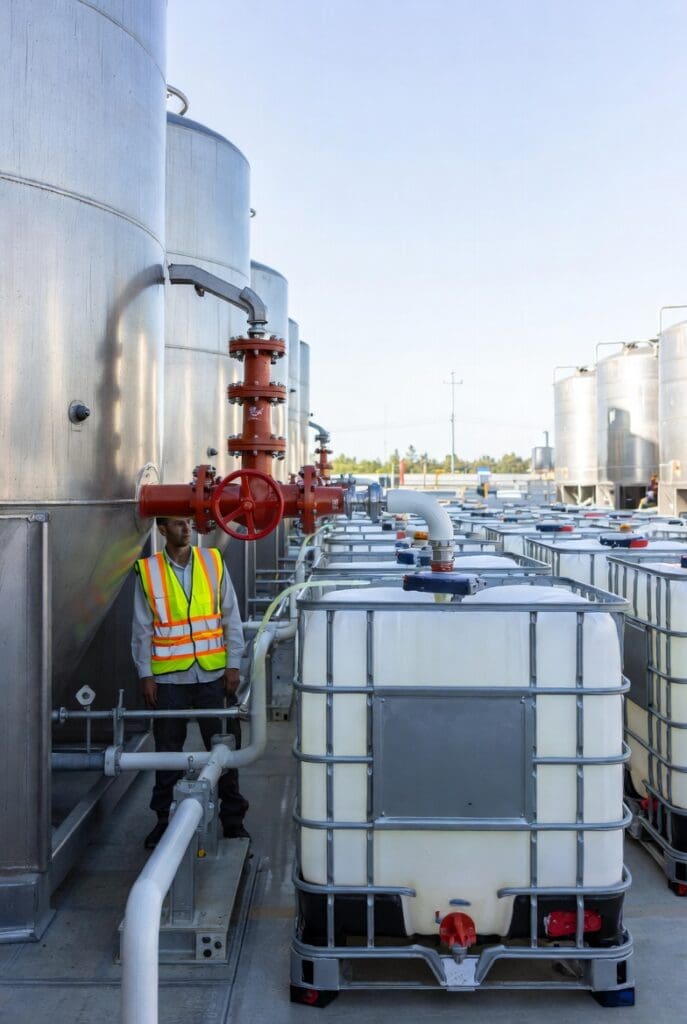
Decanting is the process where bulk goods from smaller containers, such as IBCs, are pumped or transferred to larger bulk storage. This process is common in sectors where liquids, raw materials, or other bulk products are handled.
With this new functionality decanting actions can be directly registered within the dossier. Through the integration with the scan module employees can easily record these processes during operational execution. This makes it clear which goods have been transferred, when this happened, and between which containers or storage locations.
This expansion shows how Adaption supports organizations in bulk logistics. Companies that work with liquids, raw materials, or other bulk products can now record and track their logistics processes even more accurately. This results in better traceability, more control over goods flows, and more efficient administrative processing of bulk transports.
7. Support for Agreement-type Goods in the Rental Appendix
The Agreement-type Goods is now also supported within the Rental Appendix. This allows this type of agreement to be easily applied within rental and leasing arrangements around goods.
The Rental Appendix is used to record additional agreements and conditions related to rental. By supporting the Agreement-type Goods this appendix can now also be linked to agreements where specific goods are central.
This makes it easier to correctly record and manage agreements regarding the use, rental, or availability of goods within the system. All relevant information remains clearly linked to the correct agreement.
8. Standard authentication via Google, Microsoft, or LinkedIn
Finally, it is possible to set a standard authentication method for users. Organizations can now choose to require users to log in via external authentication providers such as Google, Microsoft, or LinkedIn.
This makes the login process simpler and at the same time more secure. Users can log in with their existing account, meaning they no longer need to manage a separate username or password for the platform.
In addition, this functionality helps organizations improve their security policy. By using well-known identity providers companies can benefit from additional security layers such as multi-factor authentication and centralized account management.

Always ahead with the Adaption Cloud Suite
With release 2026.1 we once again take a step in further automating and improving logistics processes within Adaption’s logistics SaaS solution. The new functionalities help organizations work more efficiently, maintain more control over planning and changes, and gain better insight into their logistics data.
By continuously developing and releasing new improvements several times a year, we ensure that our software continues to align with the daily practice of logistics organizations.
Curious what these new possibilities can mean for your organization?
Feel free to contact us. We would be happy to show you how the Adaption Logistics Cloud Suite can support your logistics processes.